A
frontend-design
by anthropics
frontend-design helps you turn vague UI ideas into distinctive, production-grade interfaces with real frontend code, strong aesthetic direction, and less generic AI styling.
UI Design
6105.2k
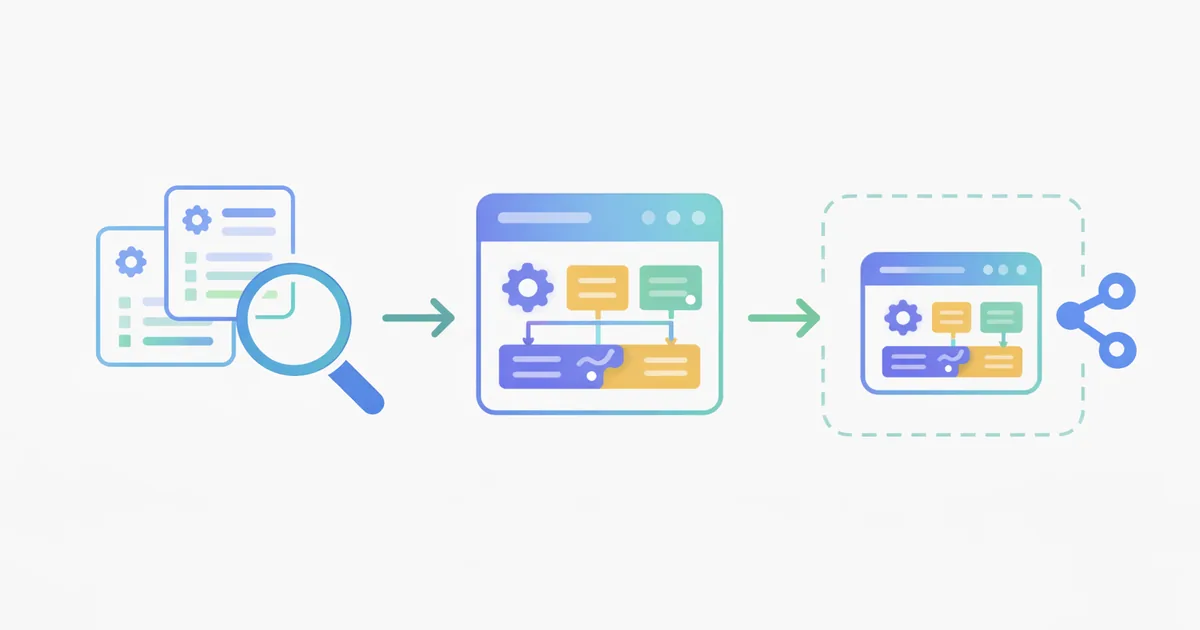
Search by workflow, problem, author, category, or description, then open real skill details before you install.
Start with hot skills when you want stronger proof signals first, including favorites, traction, and GitHub momentum.
by anthropics
frontend-design helps you turn vague UI ideas into distinctive, production-grade interfaces with real frontend code, strong aesthetic direction, and less generic AI styling.
by titanwings
create-colleague turns coworker docs, chats, emails, screenshots, Feishu, and DingTalk data into an editable AI skill with separate work and persona outputs, plus update flows for ongoing refinement.
by heygen-com
hyperframes is a workflow skill for building HTML-based video compositions in HyperFrames. Use it for title cards, overlays, captions, voiceovers, audio-reactive motion, and scene transitions when you need structured, code-first hyperframes for Video Editing. It favors layout, timing, and animation decisions over generic prompt-only video requests.
by kreuzberg-dev
The kreuzberg skill helps you install and use Kreuzberg for document extraction across 91+ formats, including PDFs, Office files, images, HTML, email, and archives. It covers Python, Node.js/TypeScript, Rust, and CLI workflows for OCR, tables, metadata, batch processing, and practical parsing guidance.
by anthropics
skill-creator is a Skill Authoring meta-skill for drafting new skills, revising existing SKILL.md files, running evals, comparing variants, and improving trigger descriptions with repository scripts and review tools.
by microsoft
azure-identity-py helps set up Azure authentication in Python with Microsoft Entra ID. Use it to choose DefaultAzureCredential, managed identity, or service principal auth, configure environment variables, and troubleshoot access control and credential chain issues. Install guidance, usage patterns, and practical setup notes are based on the repo skill file.
by figma
figma-generate-library helps you build or update a Figma design system from a codebase with an ordered workflow for tokens, component libraries, documentation, and light/dark theming. Use the figma-generate-library skill when you need a practical guide for Design Systems, not a one-off mockup. It complements figma-use for Plugin API calls.
by openai
The winui-app skill helps you bootstrap, build, and troubleshoot WinUI 3 desktop apps with C# and the Windows App SDK. Use it for environment readiness, new app setup, shell and navigation choices, XAML controls, theming, accessibility, deployment, and launch-fix workflows for Frontend Development.
by openai
Use the speech skill to turn text into spoken audio for narration, voiceover, IVR prompts, accessibility reads, and batch speech generation. It uses the OpenAI Audio API with built-in voices, a bundled CLI, and `OPENAI_API_KEY` for live runs. Custom voice creation is out of scope.
by openai
Repository-grounded security-threat-model skill for AppSec threat modeling. It maps trust boundaries, assets, attacker goals, abuse paths, and mitigations into a concise Markdown threat model. Use it when you need security-threat-model for Threat Modeling on a specific repo or path, not a generic architecture review or code check.
by cloudflare
The wrangler skill helps you find correct CLI commands, config shapes, and deployment steps for Cloudflare Workers. Use it for wrangler usage, wrangler install checks, and a practical wrangler guide when building or shipping Workers for Backend Development.
by ClickHouse
clickhouse-best-practices is a ClickHouse best practices skill for Database Engineering. It guides schema design, query tuning, insert strategy, and agent connectivity with rule-based recommendations, making clickhouse-best-practices usage easier to trigger, review, and cite in ClickHouse workflows.
Track newly added skills to spot fresh workflows early, before they disappear into a much larger skill library.
by ComposioHQ
webapp-testing is a Playwright-based skill for inspecting, debugging, and testing local web apps. It guides agents through static HTML checks, dynamic app reconnaissance, screenshots, console logging, selector discovery, and server lifecycle setup with scripts/with_server.py.
by ComposioHQ
youtube-downloader is a File Automation skill for saving single YouTube videos or extracting MP3 audio with a Python yt-dlp wrapper. It supports quality choices, mp4/webm/mkv formats, audio-only mode, and custom output folders.
by ComposioHQ
twitter-algorithm-optimizer is a Social Media skill for analyzing and rewriting tweet drafts using Twitter/X algorithm concepts like engagement signals, RealGraph, SimClusters, and topic relevance. Use it as a prompt workflow for stronger hooks, clearer positioning, and reach-focused tweet variants, not as a live analytics tool.
by ComposioHQ
tailored-resume-generator is a Resume Writing skill that analyzes job descriptions, prioritizes relevant experience, rewrites bullets, and creates ATS-aware resume drafts from your real background.
by ComposioHQ
skill-creator is a Skill Authoring guide for creating or updating Claude skills with clear activation criteria, SKILL.md structure, optional resources, and scripts to initialize, validate, and package reusable skill folders.
by ComposioHQ
skill-share is a Skill Authoring skill that helps create structured Claude skills, validate metadata, package them for distribution, and share announcements to Slack via Rube.
by ComposioHQ
raffle-winner-picker helps agents pick unbiased random winners from lists, CSV, Excel, or Google Sheets, with multiple winners, duplicate prevention, and transparent results for giveaways and contests.
by ComposioHQ
meeting-insights-analyzer helps analyze meeting transcripts for communication patterns, filler words, hedging, conflict avoidance, speaking balance, and transcript-backed coaching feedback for Workplace Communication.
by ComposioHQ
mcp-builder is a guide skill for designing, implementing, and evaluating MCP servers in Python FastMCP or Node/TypeScript, with best practices for agent-friendly tools, schemas, pagination, errors, security, and evaluation.
by ComposioHQ
lead-research-assistant helps agents qualify target companies, rank lead fit, and suggest outreach angles from your ICP, market, and sales goals. Use this single-file skill for structured Lead Research, then verify company and contact data manually.
by ComposioHQ
langsmith-fetch is a debugging skill for LangChain and LangGraph agents. It guides assistants to install the CLI, set LangSmith credentials, fetch recent traces, and analyze errors, tool calls, memory activity, latency, and token usage with trace evidence.
by ComposioHQ
invoice-organizer helps agents extract invoice fields, rename receipts, and sort financial documents into tax-ready folders. Use it for Document Filing workflows with PDFs, scans, and downloads; start with a dry run because the repo provides SKILL.md guidance, not bundled scripts.
Use categories and tags to narrow the skill directory by the job you need done, not by repo names alone.
Browse UI Design agent skills in Design and compare related workflows, tools, and use cases.
View all categoriesBrowse Frontend Development agent skills in Development and compare related workflows, tools, and use cases.
View all categoriesBrowse Workflow Automation agent skills in Automation and compare related workflows, tools, and use cases.
View all categoriesBrowse SEO Content agent skills in Marketing and compare related workflows, tools, and use cases.
View all categoriesBrowse Technical Writing agent skills in Writing and compare related workflows, tools, and use cases.
View all categoriesBrowse Backend Development agent skills in Development and compare related workflows, tools, and use cases.
View all categoriesBrowse Design Implementation agent skills in Design and compare related workflows, tools, and use cases.
View all categoriesBrowse Data Analysis agent skills in Research and compare related workflows, tools, and use cases.
View all categories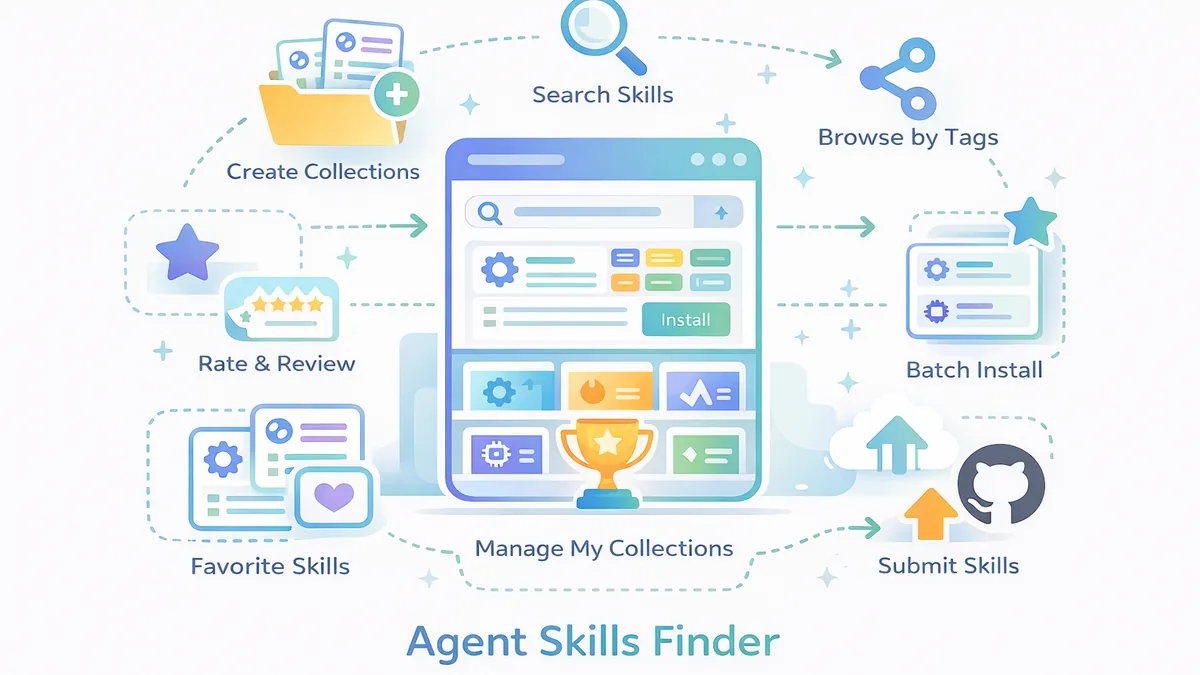
Agent Skills Finder gives you real product signals to find, evaluate, save, install, and organize skills.
Search by workflow, problem, author, category, or description, then turn a vague need into a real shortlist faster.
Use category paths and tag pages to cut noise and narrow the directory without jumping between random repos.
Check the install command, SKILL.md, file tree, comments, and related skills before you commit to a workflow.
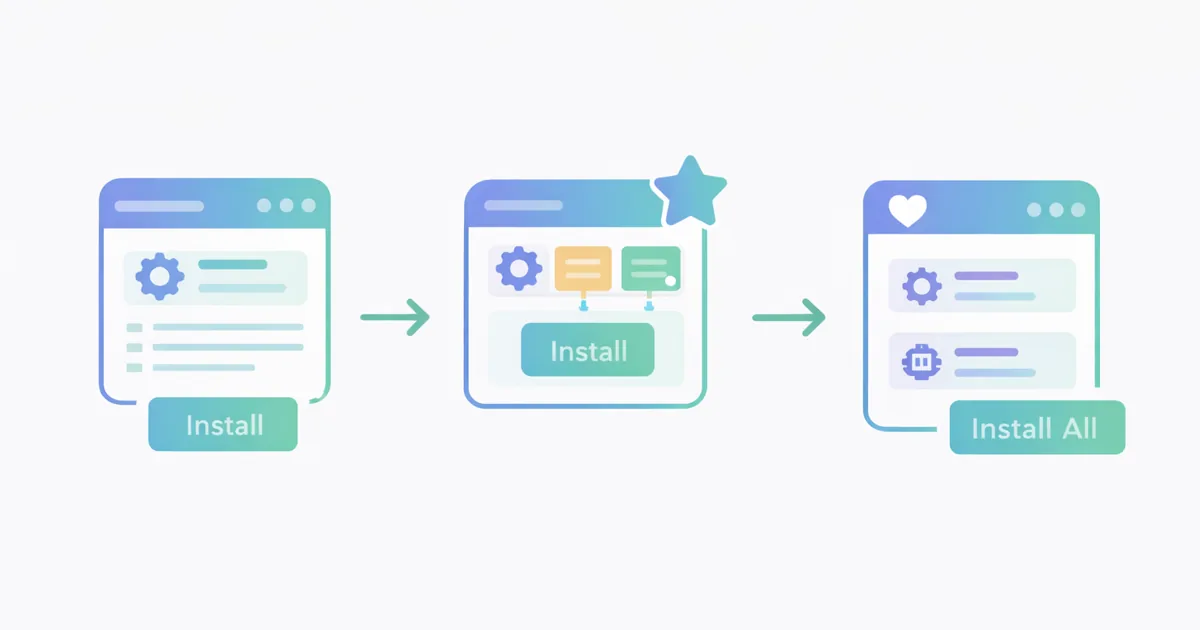
Keep strong picks in favorites, build private collections, share a collection, and install faster when ready.
Use the homepage like a real decision flow: search first, narrow fast, verify details, then save or install.
Start with the job you need done, then surface candidates by workflow language instead of repo names alone.
Use hot skills, new skills, and category or tag pages when you want a tighter slice of the directory.
Review commands, SKILL.md, files, proof signals, and related skills before you add a skill to your workflow.
Add strong picks to favorites or collections, install later, and submit a missing skill if the directory has a gap.
Agent Skills Finder gives you enough context to judge fit, effort, trust, and reuse before you copy a command.
See whether a skill already has a usable install command before you spend time figuring out setup from scratch.
Open SKILL.md and the file tree to judge scope, structure, and maintenance style before you install anything.
Use categories and tags to tell whether a skill matches the actual workflow, not just a clever title.
Use favorites, ratings, comments, and other public signals as practical proof that a skill is worth a closer look.
Check hot and new views to see what is getting attention now and what was only added recently.
Compare related skills on the detail page without restarting your search from zero every time.
See who published a skill and where it comes from when you want a stronger read on trust and maintenance.
Use the overview, FAQs, ratings, and comments to judge whether a skill is clearly explained or still feels vague.
Judge whether a skill is worth saving to favorites, adding to a private collection, or sharing in an install set.
Start with the three posts that explain the directory, collections, and install flow.
These answers explain how Agent Skills Finder helps you search, evaluate, save, and install skills with less guesswork.
Search broadly, narrow by category, then use detail pages, favorites, and collections to build a stronger shortlist.